Unmatched Robust, Invisible Activity Recording
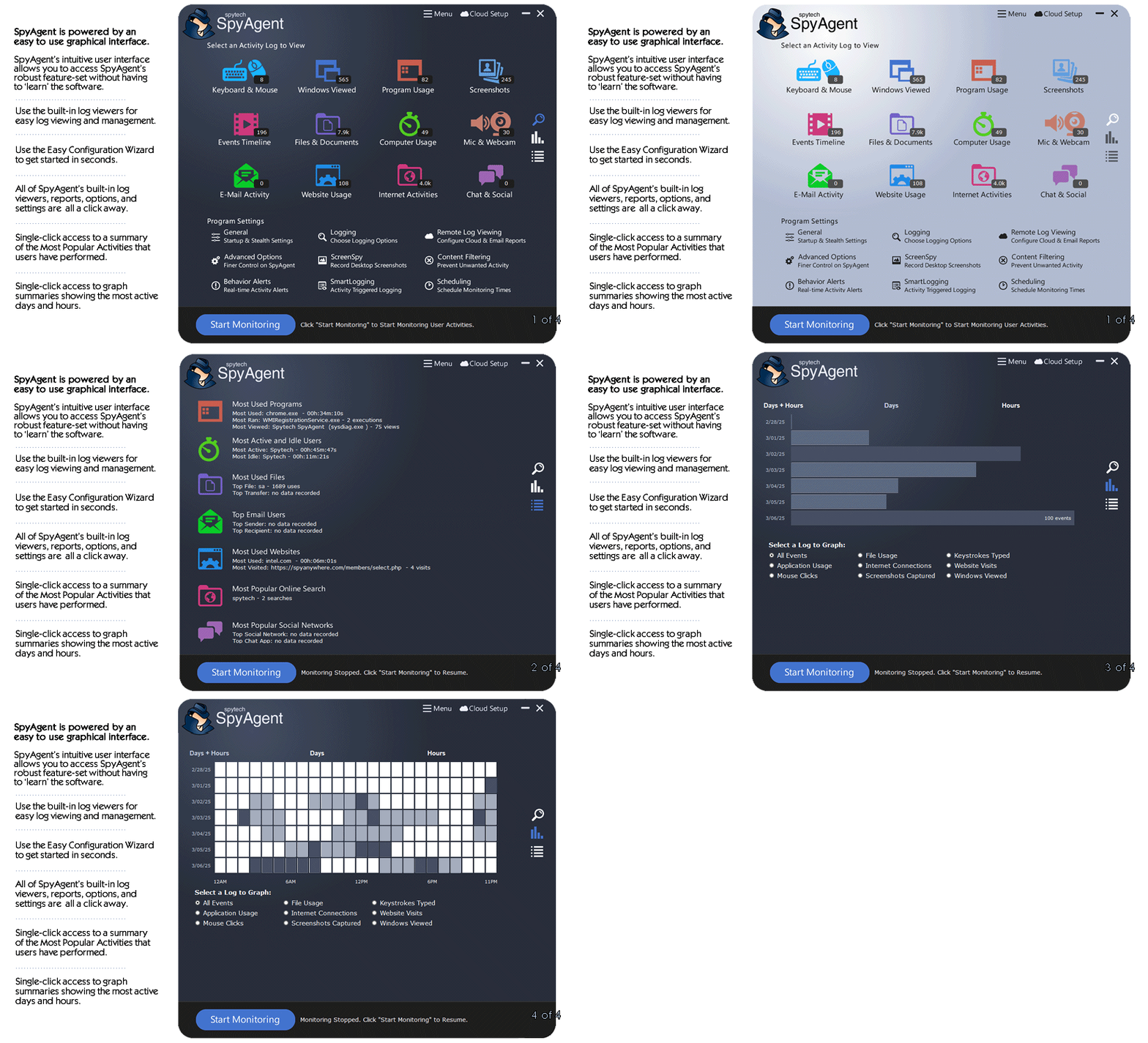
Operating silently, gain insight into what your child or your employee does with SpyAgent's wide-array of 50+ computer monitoring features.
Trusted by parents, businesses, and organizations for over 26 years, SpyAgent helps you monitor computer activity, receive real-time alerts, and review detailed usage logs from anywhere. Updated for 2026 - Windows 11 Optimized!
Download SpyAgent's installer to your computer. Your download is available immediately after purchasing from our secure website.
Run SpyAgent on your computer that you want to monitor and customize your monitoring options to suit your needs.
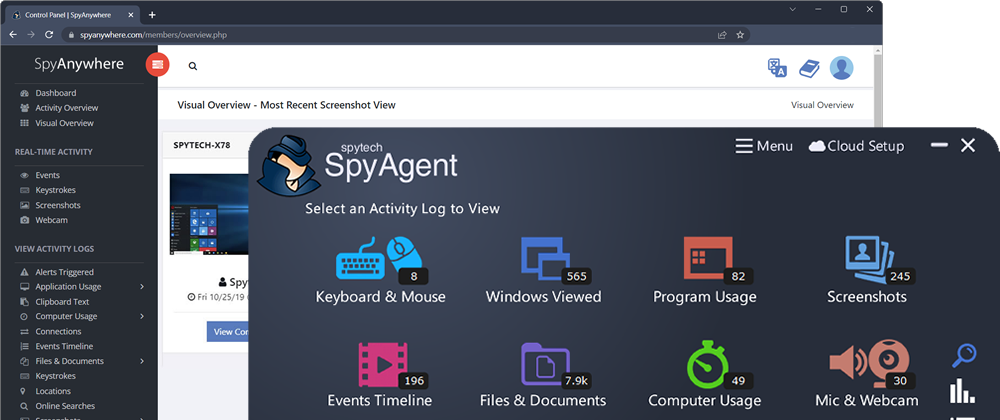
Start monitoring your computer and view all activity by accessing SpyAgent on the monitored computer, or remotely via the cloud dashboard.
Operating silently, gain insight into what your child or your employee does with SpyAgent's wide-array of 50+ computer monitoring features.
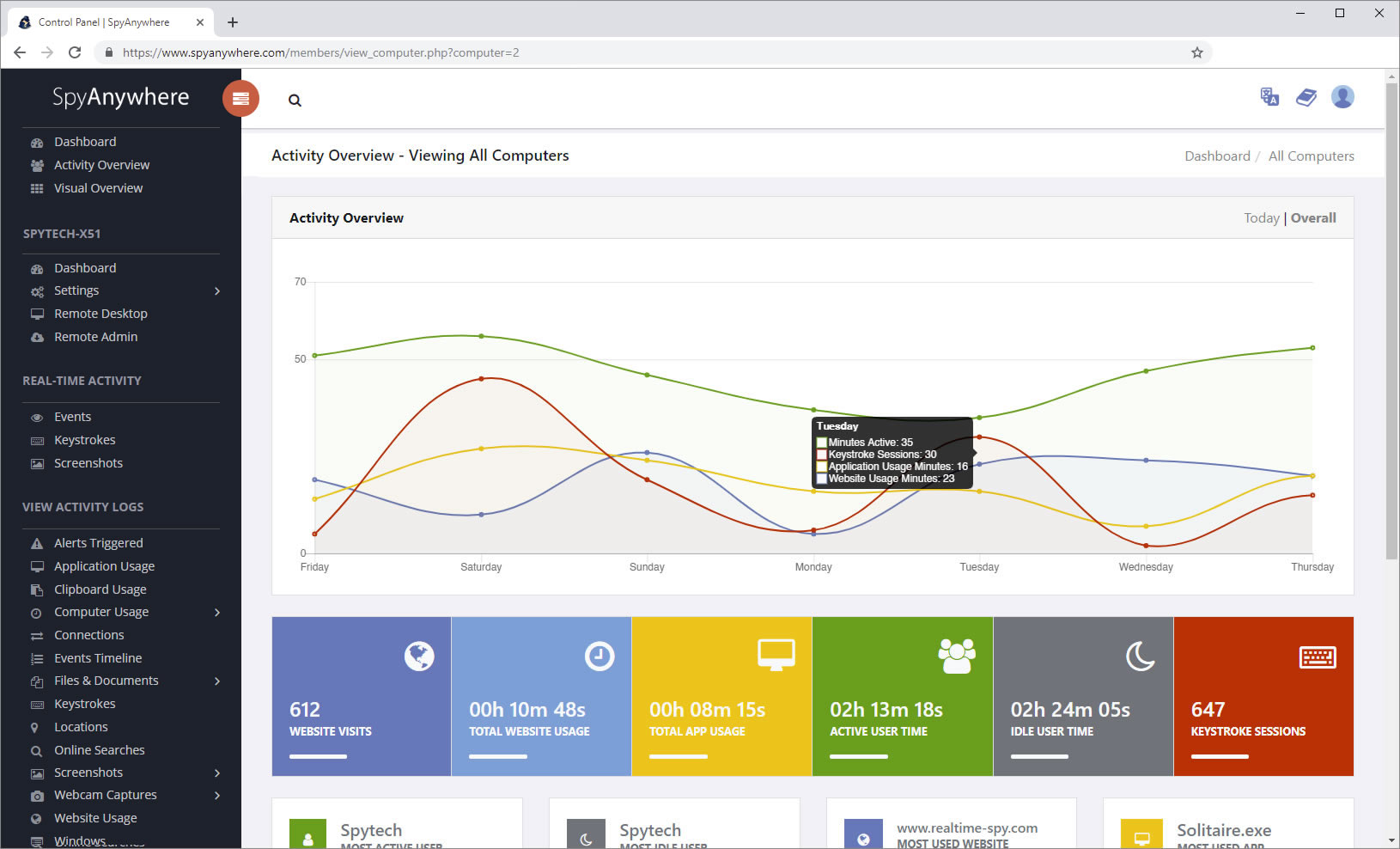
View activities in real-time from anywhere via your browser. Receive email reports and real-time alerts. Remotely uninstall from the cloud!
Built and refined over 25+ years of real-world use. Time and feedback has helped make an extremely refined computer monitoring solution.
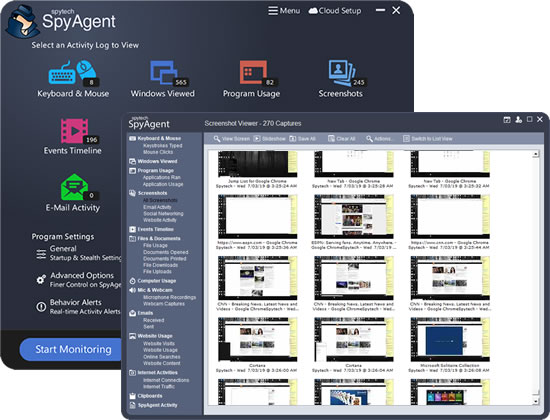
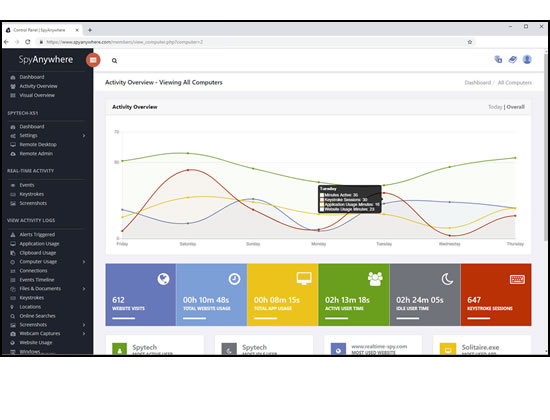
SpyAgent's complete activity tracking can bring an array of benefits to your family or business environment. With the ability to log all keystrokes, track web and program usage down to the second, and show you everything that has happened with screenshots, SpyAgent helps you learn the truth and put your mind at ease!
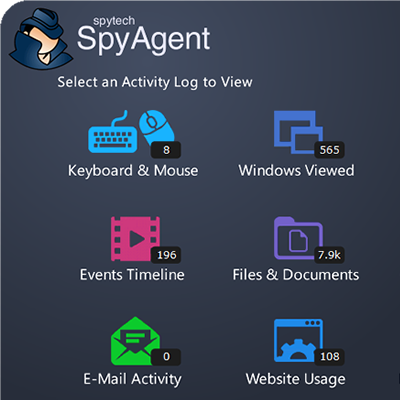
SpyAgent's main purpose is to record everything your child or employee does. Here's what it records.
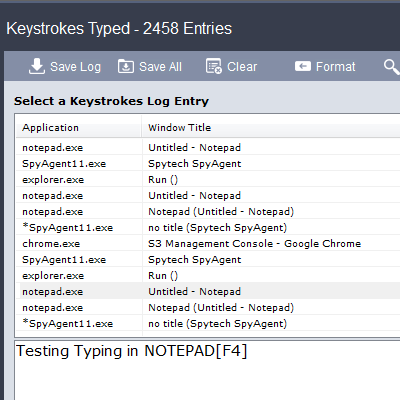
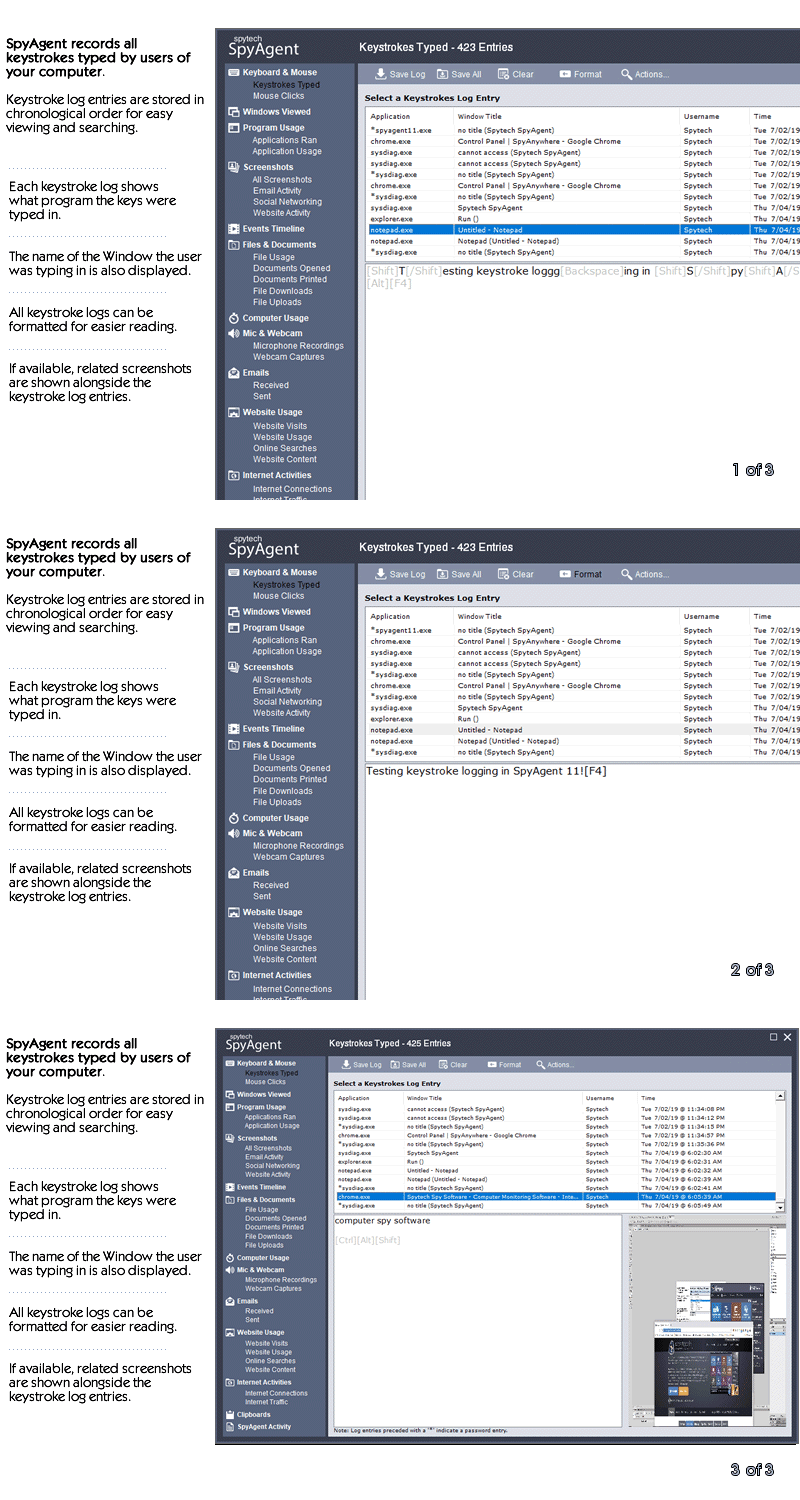
SpyAgent's keylogger logs everything users type - including passwords.
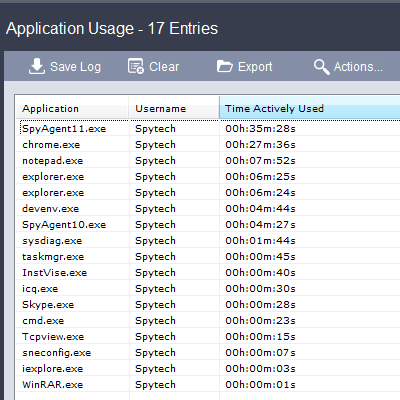
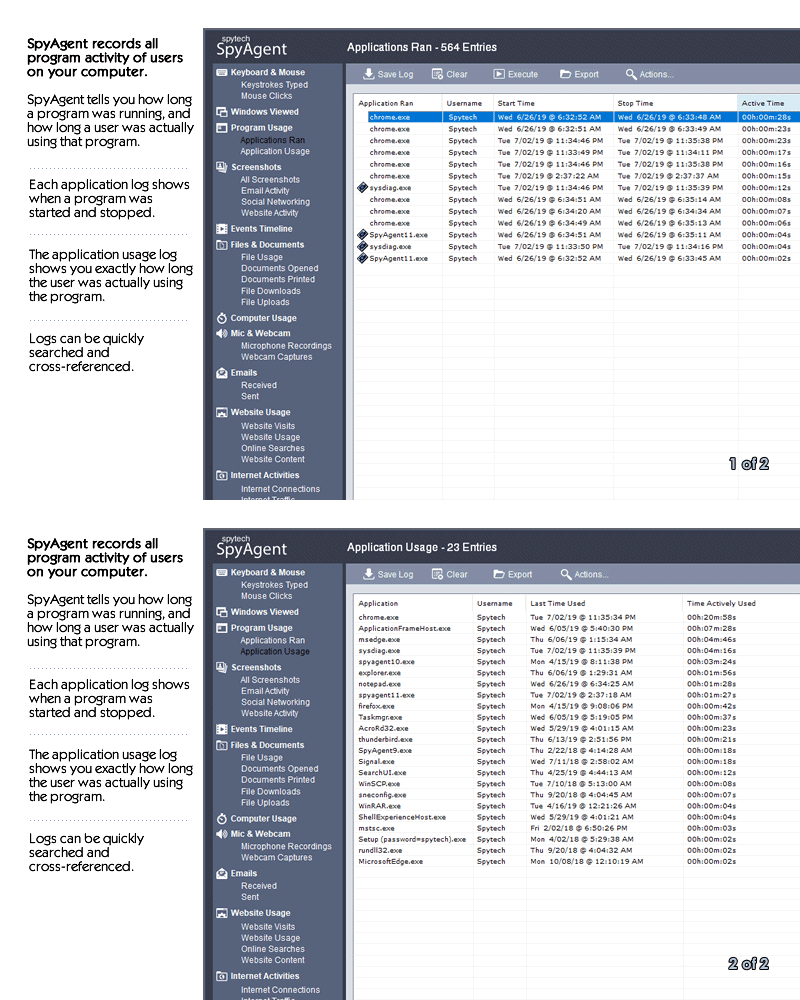
Log what apps are ran, and for how long they are actually interacted with.
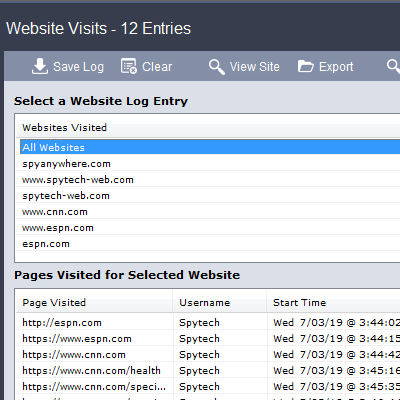
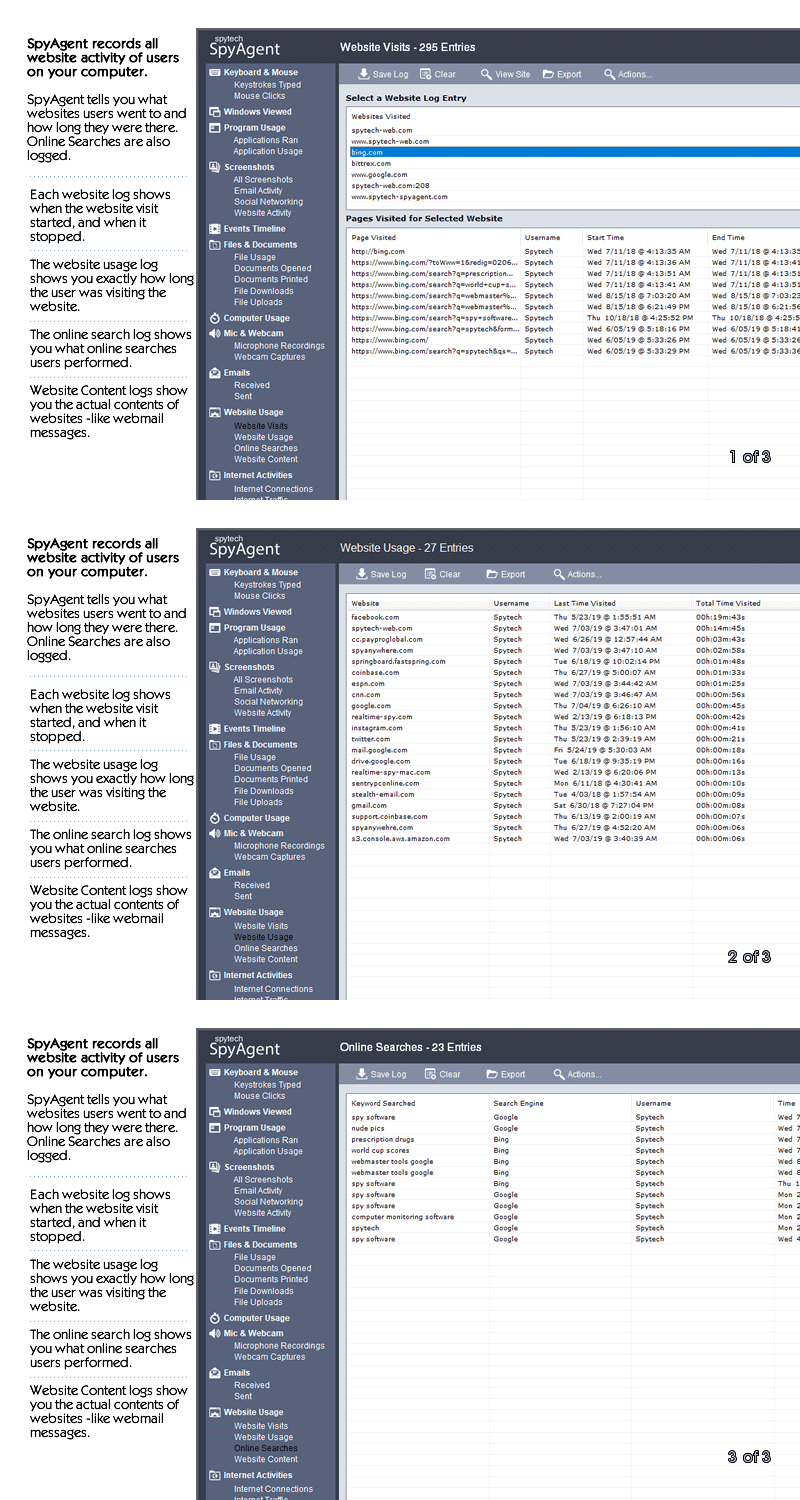
Log all visits and online searches, and see how long each page was visited.
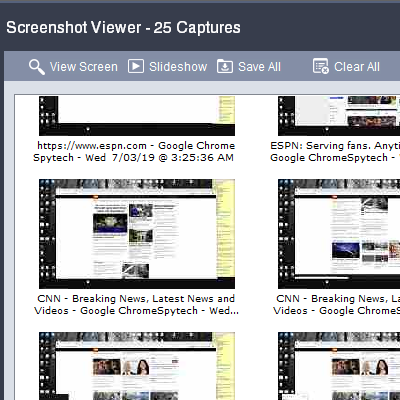
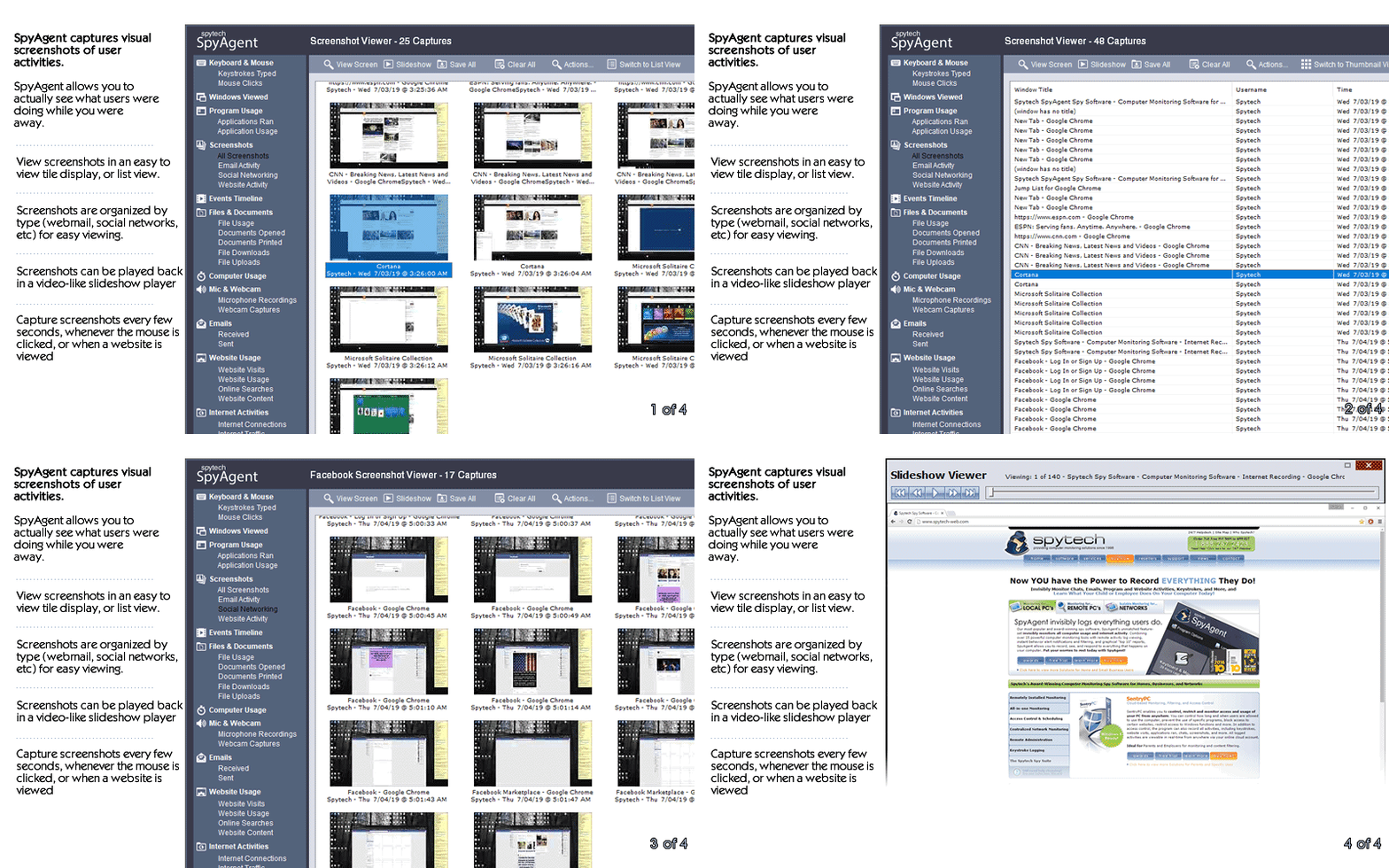
Visual logging of everything done, played back in a convenient slideshow.
Record what is happening around your computer, as well as on it.
Capture images from the webcam to see who is using your computer.
See all social network activity, email messages, and chat sessions.
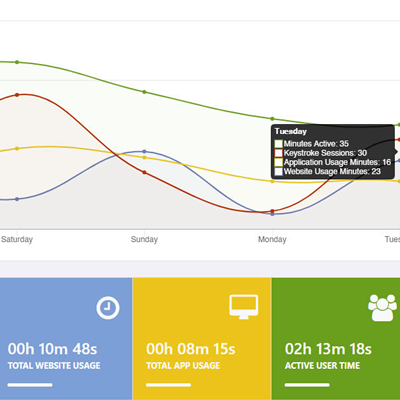
Track how long your computer is used, and how long users are active.
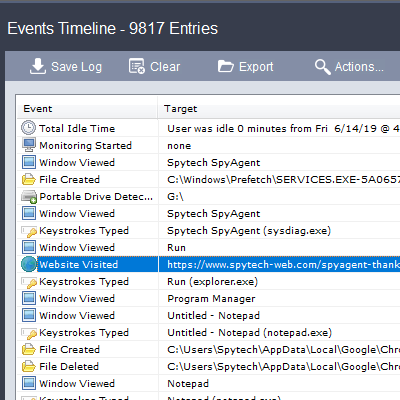
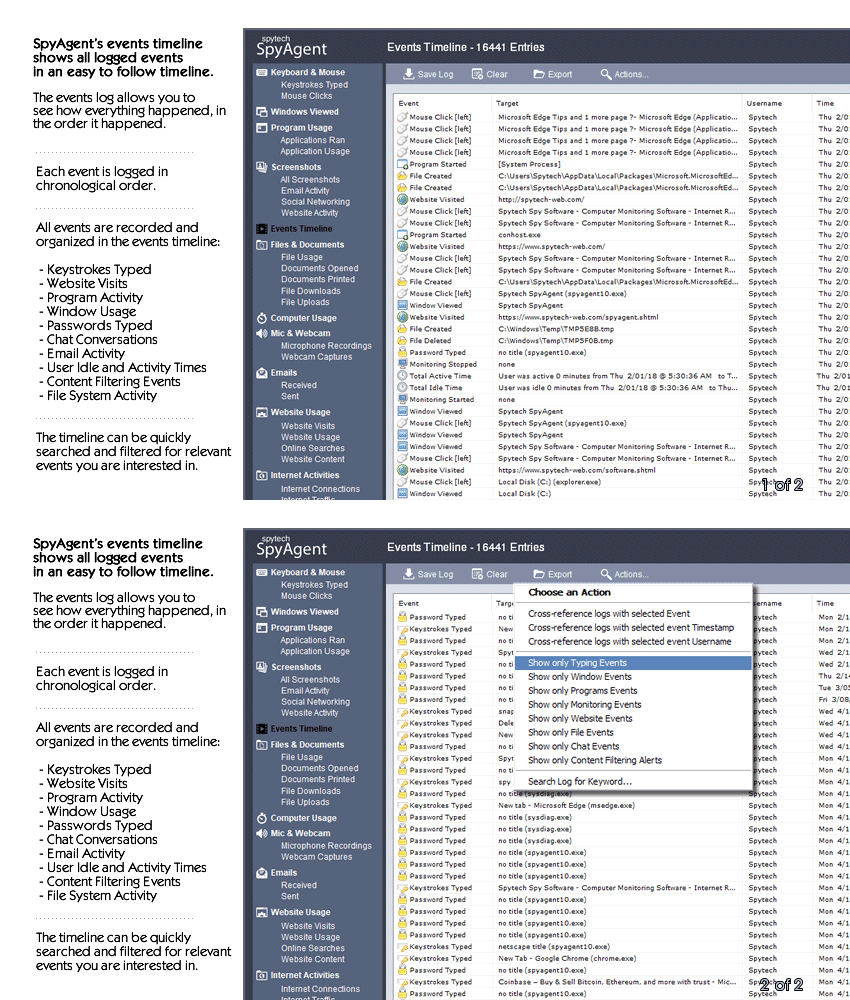
A chronological timeline of everything that has happened on your computer.
Log internet connections established, and even actual raw internet traffic data.
Log what files are used, copied, renamed, deleted, and even transferred.
Log every mouse click action, along with where it was clicked.
SpyAgent is not just a full-featured computer monitoring solution; it's feature set goes above and beyond just monitoring and includes many more useful features - like comprehensive activity filtering, real-time behavior alerts, cloud access, smart logging, self-destruct uninstall, graphical log reports, and more!
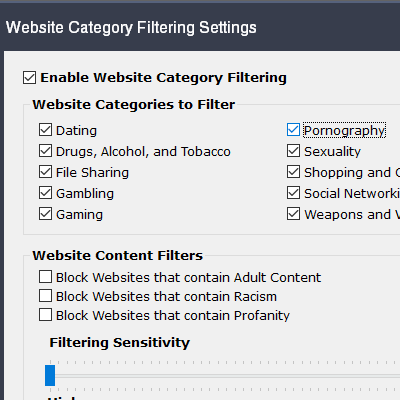
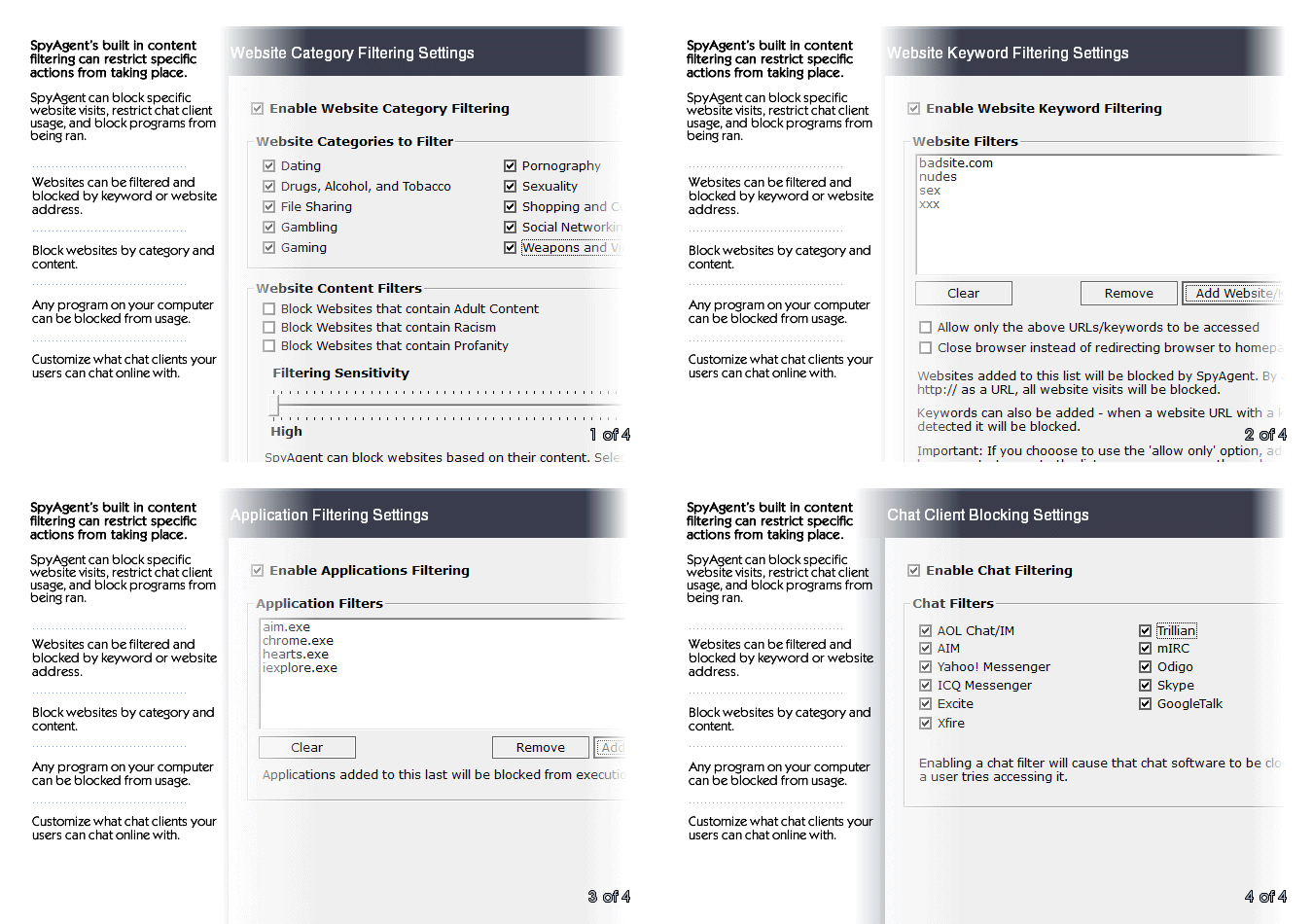
SpyAgent can block websites, chat clients, and applications used. It can alert you in real-time when filters are triggered, and when keywords are typed.
Activity triggered monitoring and screenshot captures provide flexible logging. SpyAgent's report generator provides useful Top-10 and 'Most Popular' reports.
SpyAgent provides powerful built-in log viewers for local access and management, as well as cloud access and log deliveries via email and FTP for remote monitoring.
Besides being the most full-featured computer monitoring solution available, here are some more reasons to choose SpyAgent.

Top10Reviews.com

T5A.com

Keylogger.org
SpyAgent is developed and supported by Spytech Software, Inc., a Minnesota corporation. It was first introduced in early 2000 and was immediately a popular choice for computer monitoring needs. Years of listening to customer feedback and refinement has made SpyAgent into a world-class security solution that parents, families, schools, institutions, and corporations benefit from. SpyAgent has consistently proved to be a cutting-edge solution with its easy to use graphical user interface, innovative feature additions, and vigilant updates.
Spytech SpyAgent will continue to be a leading computer monitoring solution for many more years to come.
Should you have any questions or troubles with SpyAgent, Spytech is here to help you. Our 24/7 helpdesk can solve any technical problem you are having, as well as schedule remote assistance so we can quickly connect to your computer and set things up for you and ensure everything is working properly.
SpyAgent downloads and installs in under 5 minutes. Let us do it for you with our free remote install service, too!
Our award-winning computer monitoring software for the last 25 years, SpyAgent installs in just minutes and allows you to record everything that happens on your computer.
The Stealth Edition installer installs SpyAgent 'hands free' in less than 10 seconds and starts monitoring in optimized stealth mode instantly. You can fine-tune settings afterwards, if desired.
SpyAgent's Remote Suite includes a cloud-based service that allows you to view SpyAgent's logs in real-time through your web-browser from anywhere, even if the monitored computer is offline.
No Risk return policy, no hidden fees, and 24/7 support is always free (including remote assistance and installation).
unzip fmgvm64kvmv6build1183fortinetoutkvmzip
sudo virsh define fortimanager.xml
sudo virsh start fmg-vm
Access web UI at https://<VM_IP> (default admin/no password or as specified in docs).
fmgvm64kvmv6build1183fortinetoutkvmzip refers to the FortiManager VM64 (KVM) firmware image for Version 6.2.2 , specifically Build 1183
. This "write-up" provides a technical overview of the build, system requirements, and the deployment process for a KVM environment. Fortinet Document Library Technical Overview: FortiManager v6.2.2 (Build 1183)
This build is a stable release within the 6.2.x firmware branch of FortiManager, designed for centralized management of Fortinet security devices. Amazon Web Services Build Number: KVM (Kernel-based Virtual Machine) File Type: containing the firmware and/or disk images for virtual deployment. Fortinet Document Library Minimum System Requirements
To run this virtual appliance effectively, ensure your KVM host meets the following minimum specifications:
This specific file, FMG-VM64-KVM-v6-build1183-FORTINET.out.kvm.zip, is the installation package for FortiManager VM version 6.2.2, built specifically for KVM (Kernel-based Virtual Machine) environments. It is used for fresh deployments of the virtual appliance rather than upgrades. How to Use This File
To get this build running in your environment, follow these standard deployment steps: FortiManager - GNS3
Based on the technical string fmgvm64kvmv6build1183fortinetoutkvmzip, you are likely working with a FortiManager VM (Virtual Machine) deployment, specifically version 6.4 (Build 1183) for the KVM (Kernel-based Virtual Machine) hypervisor.
Depending on whether you are writing for technical documentation, a blog post, or a project log, 1. Deployment Overview
Start with a clear summary of what this specific image is used for. Product: FortiManager Virtual Appliance. Version/Build: 6.4.x (Build 1183).
Platform: KVM / QEMU (typically for OpenStack, Proxmox, or raw Linux KVM environments).
Purpose: Centralized management of Fortinet devices (FortiGates, FortiSwitches, etc.). 2. Prerequisites & Environment
Detail the resources required to run this specific build efficiently: Hardware Requirements: CPU: Minimum 2 vCPUs (recommended 4+). RAM: Minimum 4GB (recommended 8GB+ for production). Disk space: Typically 100GB+ for the database and logs.
Hypervisor Support: Compatibility with libvirt, virt-manager, or qemu-img. 3. Step-by-Step Installation Guide
Break down the process of moving from the .zip file to a running VM:
Extraction: Unzip the fmgvm64kvmv6build1183fortinetoutkvmzip file to locate the .qcow2 disk image. VM Creation: Create a new VM in your KVM environment. fmgvm64kvmv6build1183fortinetoutkvmzip work
Disk Attachment: Attach the .qcow2 file as the primary IDE or VirtIO disk.
Network Setup: Configure at least one bridge or NAT interface (usually mapped to port1 on FortiManager).
Initialization: Power on and access the console to set the initial IP address and gateway. 4. Configuration Best Practices
FortiGuard Updates: Ensure the VM has internet access to reach FortiGuard Services for signature and license updates.
License Activation: Remind users that a valid license file (.lic) is required; otherwise, the VM runs in "Free Trial" mode with limited device support.
Backup Strategy: Schedule regular backups of the FortiManager database to an external SFTP/FTP server. 5. Common Troubleshooting
Interface Connectivity: Verify that the VirtIO drivers are correctly recognized if using high-performance networking.
Disk Expansion: If the log partition fills up, explain how to add a second virtual disk to the KVM configuration. 6. Key Resources
FortiManager 6.4 Administration Guide - Official documentation for configuration.
Fortinet Support Portal - For downloading licenses and firmware updates.
Title: The Fortinet FMG-VM64-KVM Virtual Appliance: Architecture, Deployment, and Operational Significance
Introduction
In the landscape of modern enterprise networking, the shift toward virtualization and software-defined networking has fundamentally altered how security infrastructure is deployed and managed. The keyword string "fmgvm64kvmv6build1183fortinetoutkvmzip" refers to a specific iteration of a critical component in this ecosystem: the FortiManager Virtual Appliance. Specifically, this string denotes the FortiManager 64-bit Virtual Machine designed for the KVM (Kernel-based Virtual Machine) hypervisor, running FortiOS version 6, build 1183. This essay explores the technical significance of this specific software build, its role within the Fortinet Security Fabric, and the practical implications of deploying management solutions via KVM virtualization.
The Role of FortiManager in Network Security
To understand the importance of the file referenced, one must first understand the function of FortiManager. In large-scale deployments involving Fortinet firewalls (FortiGates), managing individual devices via their graphical user interfaces or command lines becomes inefficient and prone to error. FortiManager serves as a centralized management console, providing a single pane of glass for policy administration, device provisioning, and firmware updates. It allows network administrators to push security policies to hundreds of devices simultaneously, ensuring consistency and compliance across the network. The virtual appliance version (FMG-VM) allows organizations to deploy this management capability on standard server hardware without the need for dedicated proprietary hardware. The Practicality of the "Out" File The segment
Technical Analysis of the File String
The string "fmgvm64kvmv6build1183fortinetoutkvmzip" contains several distinct identifiers that define the software’s utility.
The Practicality of the "Out" File
The segment of the string reading "outkvmzip" likely refers to the output format of the deployment package—a compressed archive (zip) containing the necessary disk images (often QCOW2 format) and configuration files required
: This version is highly effective for managing large FortiGate deployments, offering automated provisioning, patch management, and centralized multitenant control. Built-in Analytics : It includes FortiAnalyzer features
, which users find highly valuable for centralized logging and reporting. However, some administrators note that these integrated features may lack the full reporting depth of a dedicated FortiAnalyzer appliance. Learning Curve
: New users often report initial frustration due to the product's complexity. Hands-on experience or official training is strongly recommended to navigate nuances in device synchronization and policy updates. User Interface
: While powerful, the management interface has been criticized by some for being less user-friendly compared to managing individual firewalls, particularly when small changes need to be replicated quickly across multiple devices. Critical Technical Requirements
To ensure this build runs successfully on KVM, adhere to the following minimum specifications: Fortinet Document Library
It sounds like you’re looking at a specific firmware or software build for a Fortinet FortiGate-VM (specifically the FortiManager
series) designed for KVM (Kernel-based Virtual Machine) environments. The filename fmgvm64kvmv6build1183fortinetoutkvmzip
indicates a 64-bit FortiManager virtual appliance, Build 1183, optimized for KVM deployment. How it Works (The Deployment Process)
To get this specific build running, the process generally follows these steps: Extraction file contains the virtual disk image (usually a file) and often an file, which is the actual firmware image. Environment Setup
: You need a Linux host with KVM/QEMU installed. Most admins use virt-manager (CLI) to manage the VM. Resource Allocation
: FortiManager is resource-heavy compared to a standard firewall. For a lab or small production environment, you typically need at least 4GB of RAM Initial Boot offering automated provisioning
: Once the VM is created using the disk image, it boots into a CLI. The default login is usually with no password. Network Configuration
: You must manually set the IP address and gateway via the CLI ( config system interface ) to make the web GUI accessible. : Without a valid license file (
), the VM will operate in a limited "Trial Mode" or may not allow management of devices at all, depending on the specific version and build. Common Troubleshooting Checksum Errors
: If the zip file is corrupted, the KVM will fail to mount the drive. Always verify the MD5/SHA256 hash provided by Fortinet. CPU Compatibility
: Ensure "Virtualization Technology" (VT-x or AMD-V) is enabled in your physical BIOS, or the KVM will run painfully slow or fail to start. Are you trying to import this into a specific hypervisor like Proxmox or EVE-NG, or are you having trouble with the initial CLI setup
It looks like you've provided a specific file or build identifier:
fmgvm64kvmv6build1183fortinetoutkvmzip
This appears to reference a Fortinet FortiManager VM build for KVM (Kernel-based Virtual Machine), version 6 (likely v6.0.x or v6.2.x range given the naming convention), build 1183.
Here’s a professional write-up you could use for documentation, release notes, or internal knowledge base:
fmgvm64kvmv6build1183fortinetoutkvmzip is a packaged deployment image for FortiManager Virtual Machine (VM) version 6, build 1183, specifically compiled for KVM-based virtualization environments.
This build is intended for organizations using open-source virtualization (KVM) to centrally manage Fortinet security devices (FortiGate, FortiClient, FortiAP, etc.) via FortiManager’s unified management console.
If you need a FortiManager VM for KVM:
Never use strings like fmgvm64kvmv6build1183fortinetoutkvmzip work to search for software. This is the digital equivalent of finding a USB stick in a parking lot and plugging it into your corporate network.
ls -lh fortimanager_kvm/